

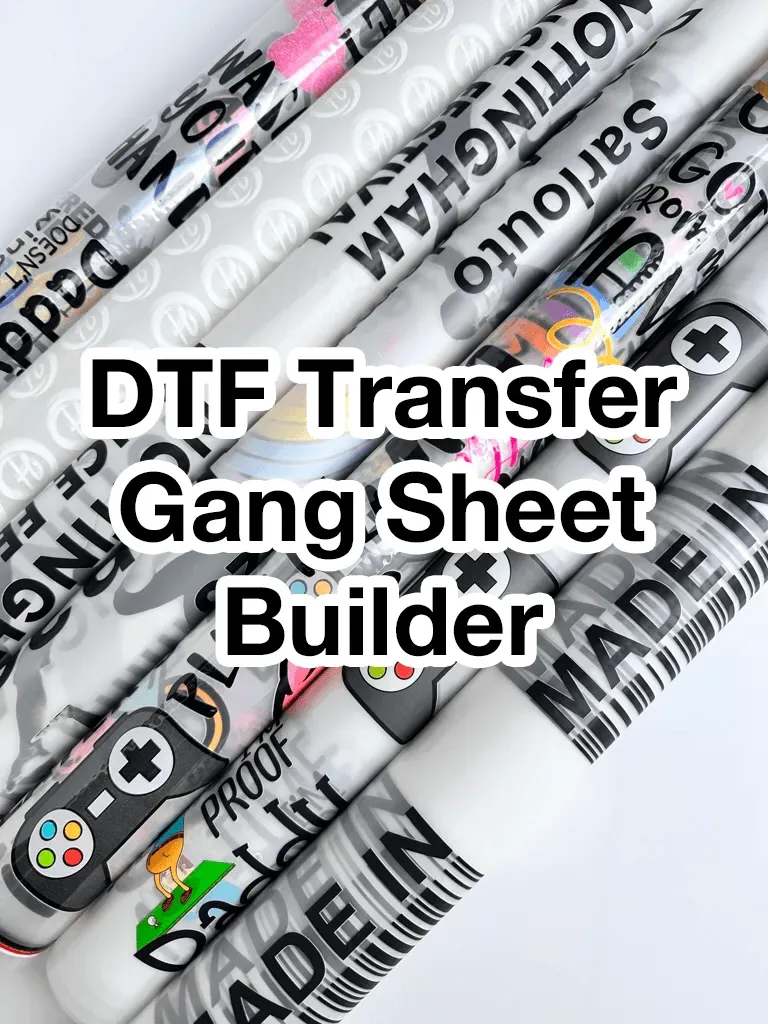
DTF gangsheet builder has emerged as a pivotal tool in the evolving DTF printing landscape of 2026. This DTF software automates the layout of multiple designs on a single sheet, optimizing space and reducing waste on each gangsheet. By accounting for bleed and margins, and applying smart color management, it speeds up prepress and keeps ink usage efficient across orders and the overall print workflow. The result is faster file-to-finished prints, tighter production timelines, and more consistent results across garment printing runs. In this guide we compare the top tools for 2026 and tailor recommendations to different business needs.
Viewed through a different lens, this DTF layout automation tool coordinates image placements across multiple garments, turning complex orders into a smooth DTF printing workflow. Other terms you might hear include gangsheet generator and sheet optimization software, both designed to maximize sheet usage and minimize waste. These platforms typically offer templates, robust file support, and easy integration with design tools and color management systems. For shops aiming to scale, adopting this class of prepress automation tools keeps the process efficient from design handoff to finished garment.
DTF Printing in 2026: Optimizing Garment Printing with Smart Gangsheet Layouts
DTF printing in 2026 continues to reshape garment printing as shops scale custom designs with greater efficiency. The gap between a good shop and a great one often hinges on how well the print workflow is managed and how effectively a gangsheet is laid out across orders.
Modern gangsheet strategies rely on intelligent layout engines within DTF software to maximize sheet usage, control bleed and margins, and balance ink consumption. By prioritizing color management and file compatibility, shops can reduce misprints and speed prepress without sacrificing quality.
What to Look for in DTF Software: Auto Layout, Color Management, and Compatibility
When evaluating DTF software, look for auto layout, templates, and robust file compatibility that streamline gangsheet creation while preserving color integrity for garment printing.
A strong tool supports broad file formats, ICC profile handling, and exporting to common RIPs, all of which are essential to maintain a consistent print workflow across printers and substrates.
DTF Gangsheet Builder: Core Features for Efficient Prepress
DTF gangsheet builder is at the heart of efficient prepress, automating how designs are arranged on each sheet, guarding margins, and reducing setup time for multiple garment choices.
A well designed DTF gangsheet builder integrates with DTF software and supports batch processing to accelerate the creation of cohesive sheets, while providing clear templates and color management options.
Choosing Solutions for Your Shop Size: Startups to Mid-Sized Garment Printing
Shop size drives a lot of the decision when selecting a DTF solution. Startups and mid sized garment printing operations evaluate upfront costs, scalability, and vendor support against expected print volumes and mix.
Evaluate how the tool fits your print workflow, whether you prefer cloud or desktop deployments, and how easy it is to onboard staff while maintaining reliable color accuracy across multiple printers.
Alpha, Beta, Gamma: Standout DTF Solutions and Their Best Use Cases
Option Alpha, Beta, and Gamma represent standout DTF solutions, each aligning with different print workflows and business needs in garment printing.
Alpha is a balanced choice for mid sized shops that handle many variants, Beta targets startups with value driven pricing and simpler automation, and Gamma offers beginner friendly onboarding with reliable core capabilities for smaller teams.
Practical Steps to Maximize Efficiency with Your Gangsheet Workflow
Begin by mapping your typical job mix, estimating color palettes, and identifying recurring designs to build reusable templates that shave setup time and reduce waste in your print workflow.
Then run real orders during a trial, tracking setup time, waste per sheet, and color consistency. Standardize color workflows with locked ICC profiles and keep designs organized to support scalable garment printing.
Frequently Asked Questions
What is a DTF gangsheet builder and why is it essential for DTF printing?
A DTF gangsheet builder is software that automates the layout of multiple designs on a single printing sheet, optimizing spacing, bleeds, margins, and ink usage across orders in DTF printing. It speeds up prepress, reduces misprints, and streamlines your garment printing workflow.
How does a DTF gangsheet builder improve the print workflow?
By providing auto layout, templates, batch processing, and robust file compatibility, it maximizes sheet usage, cuts setup time, and helps maintain color consistency across runs in the garment printing process.
What features should I look for in a DTF software or gangsheet builder?
Look for intelligent layout engines, ICC profile support, broad file formats (SVG, PNG, PSD, EPS), batch processing, templates, printer/RIP compatibility, clear licensing terms, and data security to support reliable DTF printing.
Which option should I choose: Alpha, Beta, or Gamma DTF gangsheet builder for my shop?
Option Alpha is best for mid-sized shops needing a balanced, automated workflow; Beta offers value for startups with lower upfront costs; Gamma is beginner-friendly with fast onboarding and essential features for smaller teams.
How does color management work in a DTF gangsheet builder?
Color management uses ICC profiles and color matching tools to keep prints consistent across printers and media, supporting accurate colors during DTF printing and across the garment printing workflow.
What is the ROI of using a DTF gangsheet builder and how should I measure it?
You can expect reduced prepress time, lower waste per sheet, and more efficient ink usage. Measure ROI by tracking setup time, waste per sheet, color consistency, and overall throughput in your DTF printing operations.
| Topic | Key Points |
|---|---|
| What is a DTF gangsheet builder? |
|
| Why use one in 2026? |
|
| Key features to look for in a DTF gangsheet builder |
|
| Understanding the 2026 market |
|
| Option Alpha — Best overall for mid sized shops |
|
| Option Beta — Best value for startups and small shops |
|
| Option Gamma — Beginner friendly with fast onboarding |
|
| How to choose the right tool for your workflow |
|
| Practical tips for maximizing performance |
|