

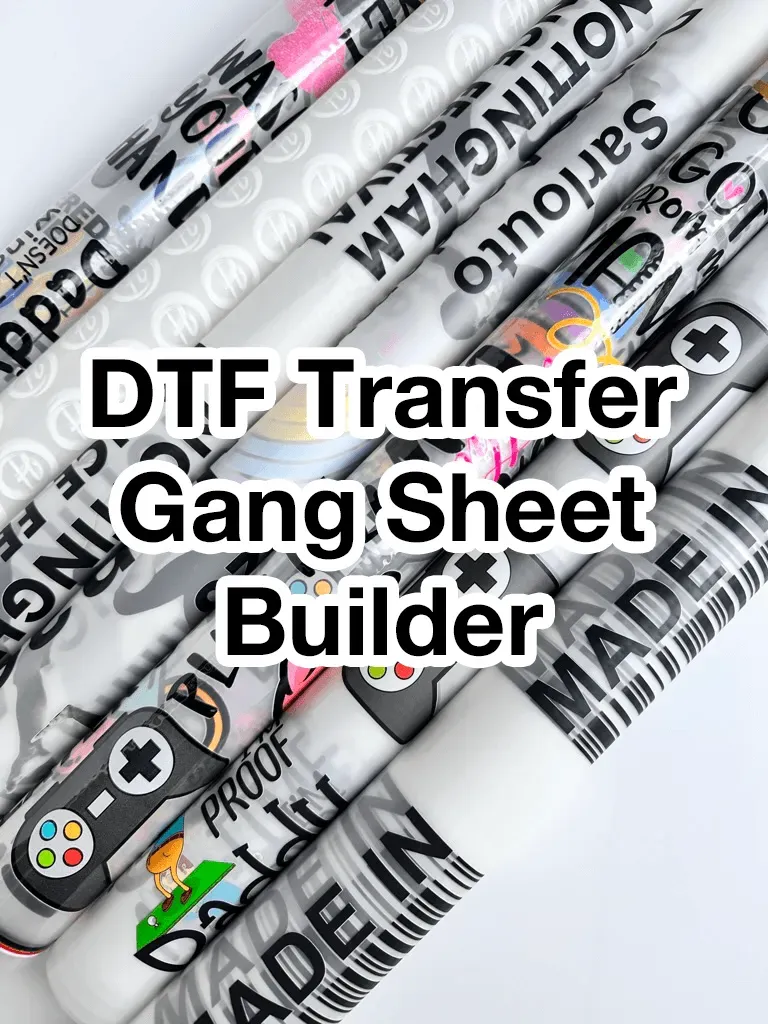
DTF gangsheet builder is redefining how apparel brands approach customization, blending rapid prepress with precise layout controls to turn complex artwork into high-quality transfers faster than ever. By packing multiple designs onto a single gang sheet, it enables bulk DTF designs to be produced with minimal waste, improving fabric usage and reducing production bottlenecks. This tool automates layout alignment, color management, and export steps, helping prepress teams cut setup time and keep pace with growing orders. It provides templates, batch processing, and collaboration features that support scalable production without sacrificing consistency. By adopting this approach, brands can improve transfer quality and reliability across seasons.
1) Maximizing Efficiency for Bulk DTF Designs Using Gangsheet Design Software
Bulk DTF designs benefit immensely from a robust gangsheet design software that can lay out multiple graphics on a single sheet. With grid templates, auto-arrange features, and precise bleed and margin controls, prepress work moves from hours to minutes. designers can pack designs efficiently, while ensuring every transfer has consistent margins and safe zones for reliable printing.
A strong gangsheet design tool accelerates the entire DTF printing workflow by reducing manual setup and enabling batch processing. By organizing assets, standardizing naming conventions, and enabling rapid template reuse, you can scale your catalog without sacrificing quality. This approach also helps minimize waste and improve throughput for bulk DTF designs.
2) DTF Gangsheet Builder: Centralizing Bulk DTF Designs for Speed and Consistency
A DTF gangsheet builder serves as the central hub for assembling artwork into a cohesive sheet. It allows you to arrange dozens of designs—often in a grid—so you maximize per-sheet output while preserving bleed, margins, and registration marks. This tool is essential for anyone looking to optimize fabric utilization and standardize transfers across large batches.
Using a gangsheet builder in bulk runs improves color management, export readiness, and batch consistency. It supports batch processing, color-safe previews, and printer-specific exports, making it easier to manage bulk DTF designs with a single workflow. As a result, misprints decrease and production speed increases across your DTF printing pipeline.
3) Essential Features to Look for in Gangsheet Design Software
Key features such as auto-arrange, grid templates, bleed control, and margin presets are foundational for bulk production. A strong tool also includes a template library for common garment sizes, bulk import and batch processing, color management with ICC profiles, and multiple output formats that align with RIP software.
Beyond the basics, asset organization, version control, and cloud or local collaboration support are critical for teams handling large catalogs. Preview and mockups let you verify placement before printing, while robust export options ensure you can ship ready-to-print files without rework. These capabilities collectively streamline the DTF gangsheet design process for bulk DTF designs.
4) Best Practices for Scaling Your DTF Printing Workflow
Start by defining project scope and layout: determine total variants, sizes, and colorways, then decide how many designs fit on a single gang sheet given printer width and bleed. Prepare artwork at high resolution (usually 300 dpi), maintain consistent color spaces, and create a reusable base template with grid lines and margins to standardize future sheets.
Implement strong quality control and documentation: use color management, calibrate displays and printers, and maintain a versioned library of templates. Plan for scale by designing modular gang sheets so you can swap in new designs without redesigning the entire sheet. Archiving completed layouts and documenting steps reduces rework during busy periods and supports faster bulk production.
5) Integrating Gangsheet Design into Your DTF Printing Workflow: From Sheet to Print
A successful integration ensures export-ready files align with your printer and RIP software, preserving color profiles and matching transfer areas on fabrics. The gangsheet should flow into the end-to-end DTF printing workflow with queue management and job tracking to prevent bottlenecks and misregistration.
Automation and collaboration amplify efficiency: cloud or local sync enables teams to access updated templates and assets in real time. Automated alerts, standardized naming, and batch processing help maintain consistency across large orders, ensuring bulk DTF designs translate accurately from design to production.
6) Real-World Case Study: Scaling a Small Shop with Bulk DTF Designs
Imagine a small apparel brand adding 20 new designs monthly across three garment styles. Before adopting a gangsheet approach, layout time was substantial and output varied. By integrating a DTF gangsheet design workflow, the team built a master template that accommodated all three sizes with a 12-design-per-sheet layout.
The result was a dramatic reduction in prepress time, fewer misprints, and faster order turnaround. The scalable approach allowed the shop to handle larger bulk orders with minimal incremental effort, leading to faster production cycles and higher profits per batch while maintaining consistent quality across designs and fabrics.
Frequently Asked Questions
What is a DTF gangsheet builder and how does it support bulk DTF designs?
A DTF gangsheet builder is a design and layout tool that arranges multiple artwork files on a single gang sheet to maximize designs per sheet and minimize waste. For bulk DTF designs, it enables auto-placement, consistent margins and bleed, and batch processing, speeding up prepress and ensuring uniform transfers within the DTF printing workflow. It also centralizes templates and export options for printer compatibility.
How can gangsheet design software improve the DTF printing workflow for bulk orders?
Gangsheet design software streamlines the DTF printing workflow by providing grid templates, auto-arrange, color management, and batch export. It reduces manual setup, improves consistency across sheets, cuts prep time, and enhances throughput for bulk DTF designs and large catalogs.
What features should I look for in a DTF gangsheet design tool to support bulk DTF designs?
Key features include auto-arrange/grid templates, precise bleed and margin control, a template library, bulk import and batch processing, color management with ICC profiles, printer-ready export formats, asset organization, and previewing. Cloud or local sync can aid collaboration for gangsheet design across teams.
How do I integrate a DTF gangsheet builder into an existing DTF printing workflow?
Start with a master gangsheet template sized for your printer. Import artwork, apply batch settings, use auto-arrange to populate sheets, run color proofs, add cut lines and registration marks, and export in printer-compatible formats. Feed the files into your RIP or printer and use queue management to track status as part of the DTF printing workflow.
What common challenges appear when using a DTF gangsheet design tool and how can I overcome them?
Common challenges include color variation across sheets, misalignment, bleed miscalculations, large file sizes, and cross-team coordination. Solutions: standardize color profiles and perform color checks; calibrate printers and verify margins; include bleed in templates; optimize assets and leverage batch processing; use shared libraries and version control for teams.
What is a quick starter guide to creating bulk DTF designs with a gangsheet design software?
1) Define the project scope and how many designs fit on a sheet based on printer width and bleed using your gangsheet design software. 2) Prepare all artwork at 300 dpi in a consistent color space. 3) Create a reusable base gangsheet template. 4) Import and organize designs in slots. 5) Use auto-arrange and adjust spacing as needed. 6) Run soft proofs and verify colors on target fabrics. 7) Add cut lines and registration marks. 8) Batch export print-ready sheets. 9) Run a test print to validate alignment and color. 10) Archive final layouts for future bulk updates.
| Aspect | Key Points |
|---|---|
| What is a DTF gangsheet builder | A design and layout tool that arranges multiple artwork files onto a single sheet (grid) to maximize designs per sheet, with bleed and margins; supports batch processing, auto-arrangement, color management, and printer-ready exports; reduces manual setup, minimizes waste, and promotes consistency across batches. |
| Why use it for bulk designs | Speeds up production; ensures repeatable layouts; reduces waste; simplifies QC; scales workflows as catalogs grow; enables faster delivery for bulk orders. |
| Key features to look for | Auto-arrange, grid templates, bleed/margin control, template library, bulk import, color management, output formats, asset organization, preview/mockups, cloud/local sync. |
| Practical steps for bulk designs | Define project scope; prepare artwork; create base template; import and organize; auto-arrange; color and proof; add cut lines and instructions; batch export; validate and print; archive and retrain. |
| Best practices | High-resolution source art (300 dpi or vector); maintain color management; standardize templates; use naming conventions; plan for scale; quality control per sheet; document workflows. |
| Integrating with the DTF workflow | Export print-ready files; match color profiles to fabrics; align artwork with the transfer area; use queue management, job tracking, and automated alerts; ensure design positions are clear to reduce errors. |
| Common challenges | Color variation; misalignment/registration; bleed miscalculations; file size and processing time; cross-team coordination; mitigations include standardized profiles, calibration, proofs, templates, and version control. |
| Choosing the right software | Look for bulk import, dynamic grid templates, automated spacing, color management, and strong export compatibility; consider cloud collaboration, revision history, and batch processing; test with trial runs on typical garment sizes and print areas. |
| Real-world example | A small shop used a master 12-design-per-sheet template to handle three sizes; drove reductions in prepress time, misprints, and faster order turnaround, enabling larger bulk orders and higher profits per batch. |
Summary
Conclusion: DTF gangsheet builder is a strategic asset for scaling bulk DTF designs while maintaining quality and consistency. By providing grid-based layouts with precise bleed controls and batch processing, it accelerates the DTF printing workflow, reduces waste, and enables reliable production at scale. A strong gangsheet solution should offer templates, color management, bulk import, and robust export options, plus clear documentation and team collaboration features. When integrated with a well-defined workflow, you can consistently deliver large catalogs on time, delight customers, and grow profitability. Start with a trial to validate compatibility with your printer, fabric types, and typical garment sizes, and invest in templates and process documentation to reproduce success across seasons.